
 Deutsch
 English
 Türkçe
On this page, you can see the integrations you have added. In this table, you can see the type of the integrations you have added, the date they were added, and the expiration time.
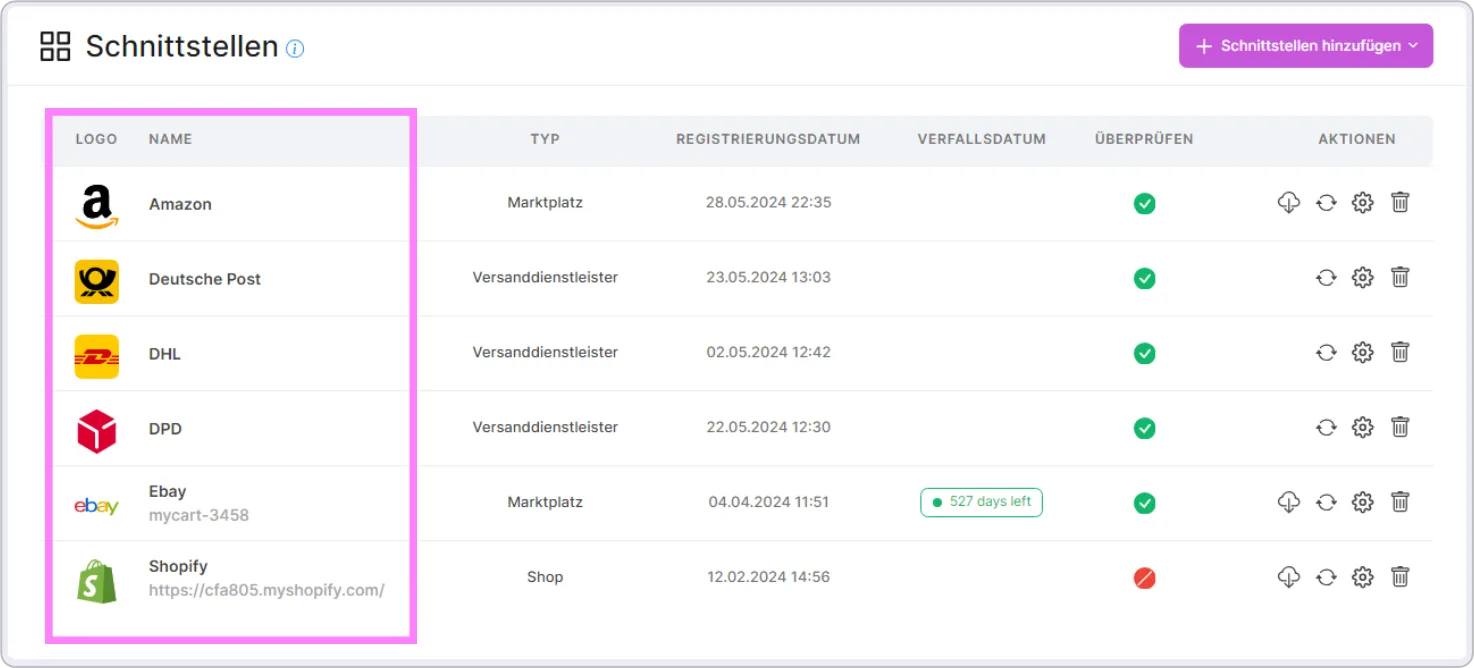
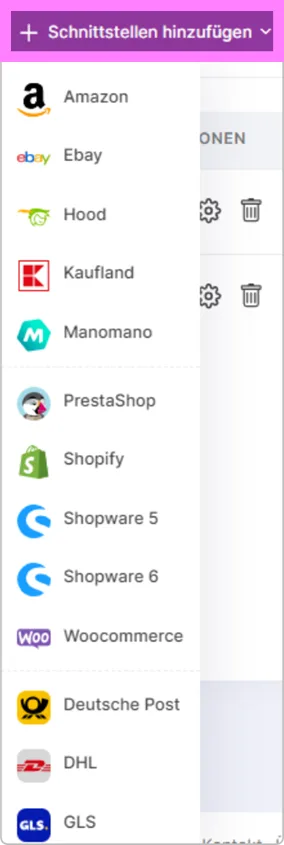
If you want to add a new integration, click the "Add Integration" button on the right to be taken to the Add Integration page. After adding an integration, you will be redirected back to this page, and the integrations you have added will be listed in the table below.
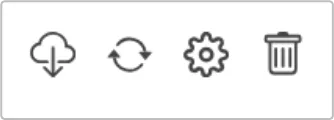
In the Actions section, there are 4 different functions. Here you can delete, edit, and check your connection, as well as retrieve your orders from connected integrations.
In the Check section, you can also see when the integrations were last checked. If the check did not find any connection issues, you will see the successful connection status along with the check date; if there is a problem, you will see the details and the date of the issue.
In this area, you can make additional settings specifically for Amazon (invoicing and Amazon FBA orders).
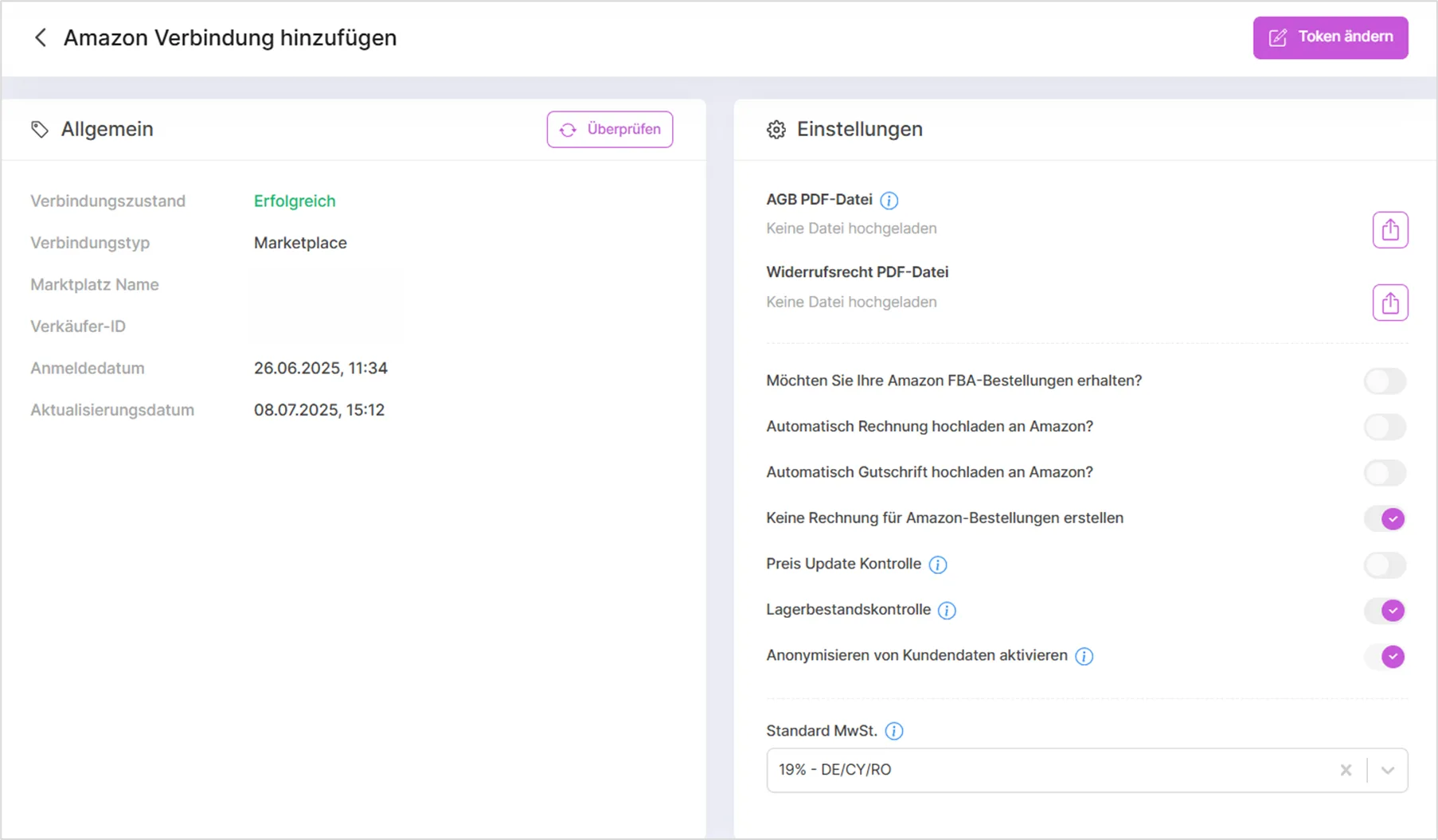
Additional Actions
Besides fetching orders, the Actions column offers a few more shortcuts depending on the type of integration:
- Fetch products: for eBay, Kaufland, Shopware 6, Shopify, Otto, and WooCommerce connections, a separate action lets you pull existing products from the marketplace or shop into SaleVali, independently of fetching orders. You will be asked to confirm before the import starts.
- Start DATEV export: for a DATEV connection, you can trigger a manual export of invoices at any time instead of waiting for the next scheduled run. A confirmation dialog is shown before the export is started.
Editing a Connection
On a connection's settings page, the "Change token" button lets you re-enter or renew the access credentials (e.g. an API key or access token) without deleting and re-adding the integration. This option is not available for Shopify and Lexware, which are reconnected differently.
Stock, Price, and Market-Based Price Control
For most marketplace and shop connections, three toggles let you control how SaleVali synchronizes data with that integration:
- Stock control: enables or disables automatic stock synchronization for the connection.
- Price control: enables or disables automatic price synchronization for the connection.
- Market-based price control: enables or disables price synchronization based on the prices you have set for that specific marketplace or shop.
Since switching any of these affects how your listings are kept in sync, SaleVali asks you to confirm the change before it takes effect.
Connection-Specific Settings
Depending on the connected marketplace, shop, or accounting system, the connection's settings page offers additional cards with specific settings.
Locations (eBay / Shopify)
For eBay and Shopify connections, a Locations card lets you create warehouse locations, manage stock per location, and move stock between locations.
Policies (eBay)
For eBay connections, a Policies card lists your eBay business policies (shipping, payment, return). A refresh button lets you pull the latest policies from eBay at any time.
Collections (Shopify)
For Shopify connections, a Collections card lets you manage your Shopify collections directly from SaleVali.
Shipping Classes (WooCommerce)
For WooCommerce connections, a Shipping Classes card lets you manage the shipping classes used by your WooCommerce shop.
OTTO
For Otto connections, additional cards let you manage the product-safety contact required under the EU General Product Safety Regulation (GPSR), the food-information contact required under the Food Information Regulation (LMIV), your shipping profiles, and your default VAT setting.
Lexware
For Lexware connections, a Booking Categories card lets you assign the correct booking category for each tax type used in your invoices.
DHL (new) and Deutsche Post
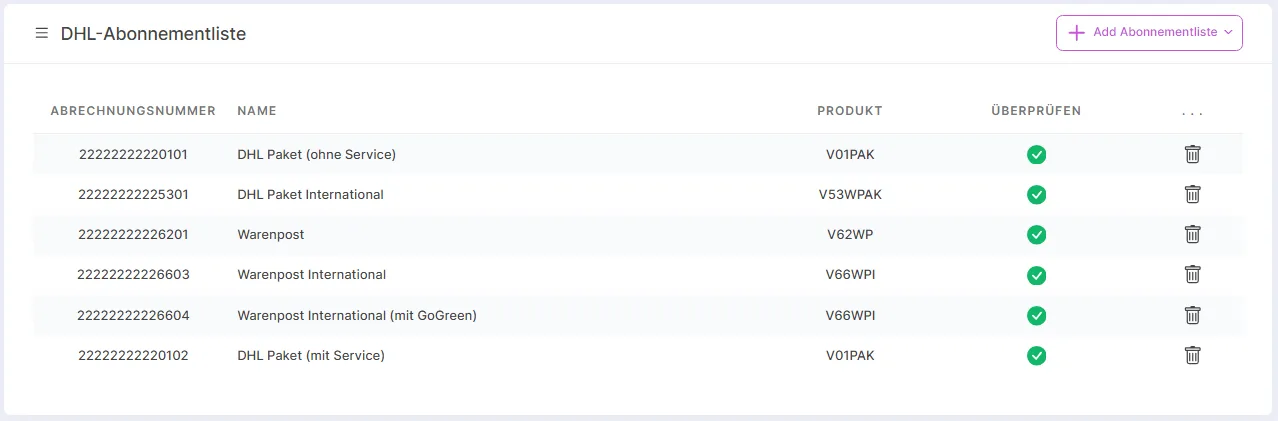
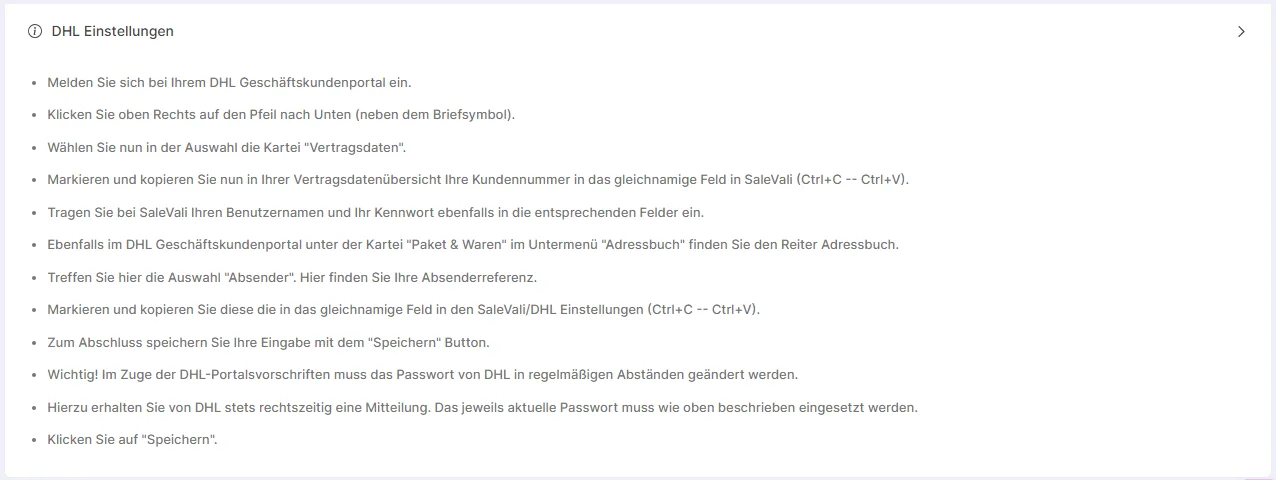
For a DHL (new) connection, you can select which DHL products are available for your shipments. For a Deutsche Post connection, you can additionally select the available products, and the connection's expiration column shows your remaining Deutsche Post wallet balance instead of a token expiration date.
Video Tutorials
SaleVali Integrations
Was this article helpful?
Thanks for your feedback!