
 Deutsch
 English
 Türkçe
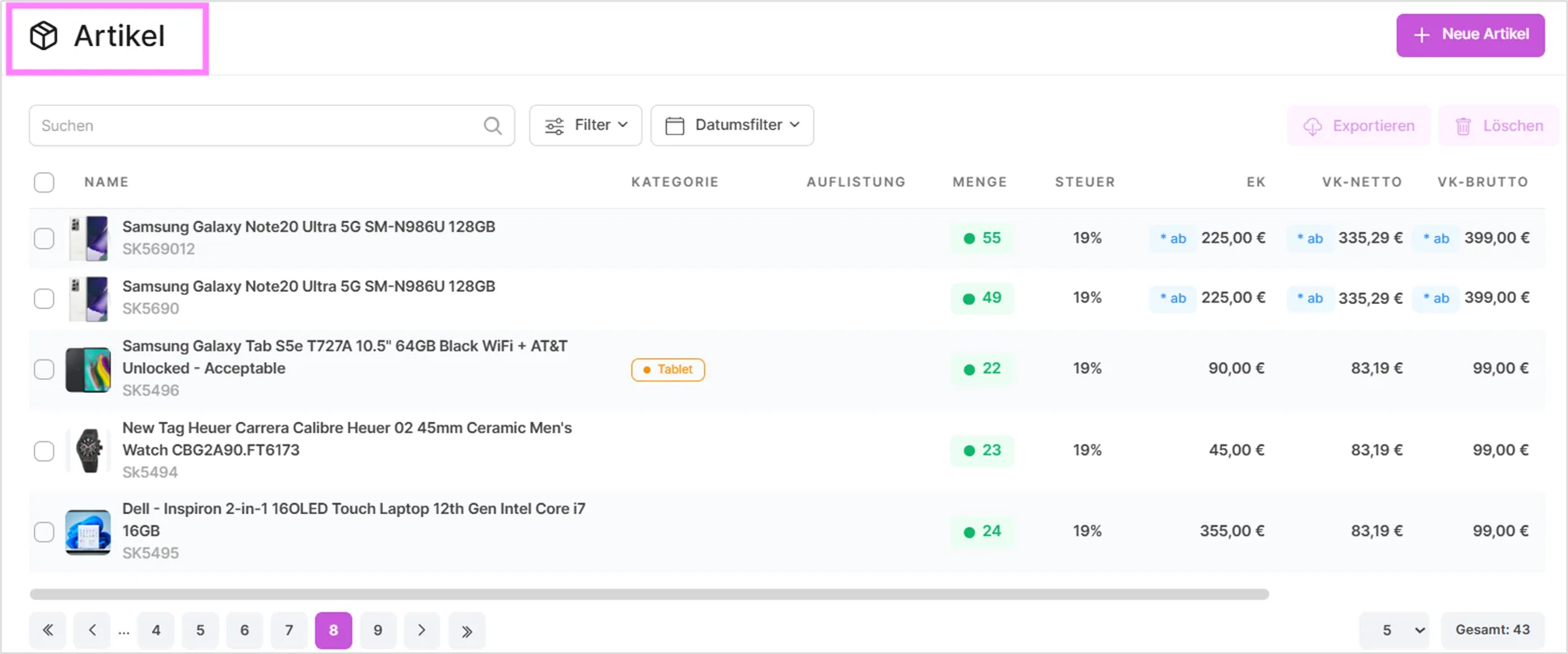
This page shows the list of your products. Here you can easily edit the stock levels and prices of your products at the same time. You can also manage other marketplaces from a single center.
Catalog Summary Bar
Above the product table, a summary bar shows key catalog metrics at a glance: Out of stock, Low stock, Digital products, Variants, Sets, Published and Added this month. Each of these figures is clickable, and selecting one applies the matching filter to the table below. For example, clicking "Low stock" immediately narrows the list to products running low on inventory.
Filter Options
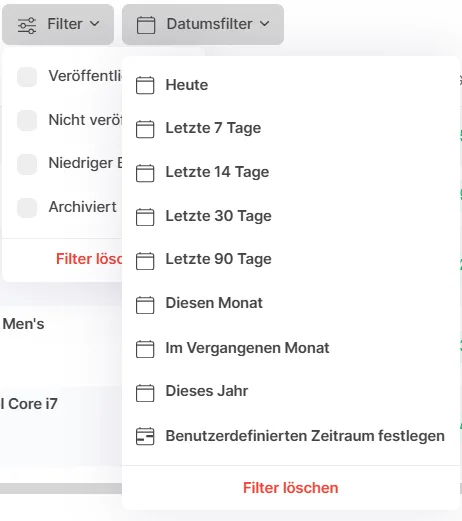
The filter menu lets you narrow the product list by publication status (Published/Unpublished), stock level (Out of stock, Low stock, Critical stock), product type (Variants, Sets), missing data (products without a category, or without a purchase price), and archived products. Additional dropdowns next to the filter menu let you filter by category, supplier, brand, price range, tags, and creation date, so you can combine several criteria to zero in on exactly the products you're looking for.
Bulk Selection Toolbar
Selecting one or more products in the table with the checkboxes on the left activates a bulk action toolbar above the list. From there you can export the selected products, delete them, or use Bulk Edit to update price, purchase price, suggested retail price, tax, currency, stock and category for all selected products at once. Any field you leave empty stays unchanged on the products.
Row Actions
Each row in the product table also has its own action menu, letting you edit, copy or archive that single product without leaving the list. Archiving hides a product from active views without deleting it, and it can be restored again at any time; copying creates a new product pre-filled with the same details as the original, which is a fast way to create similar products.
Creating a New Product
To create a new product, use the "New Product" button above the product table. Its dropdown arrow also offers two related options: "Product with Variants", which opens the same form with variant generation ready to go, and "New Product Set", which opens the form for creating a product set out of existing products instead.

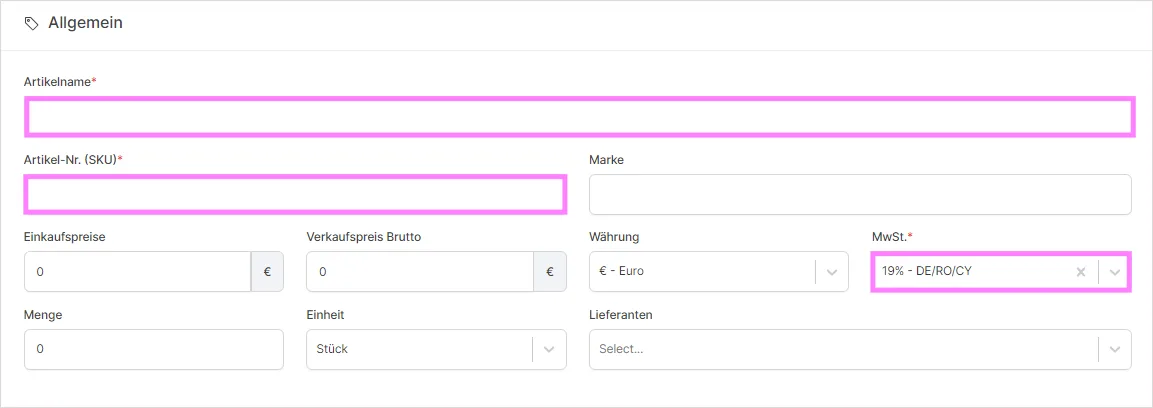
When you click on a product's name, a section with detailed information opens, where you can create more detailed information about your products.
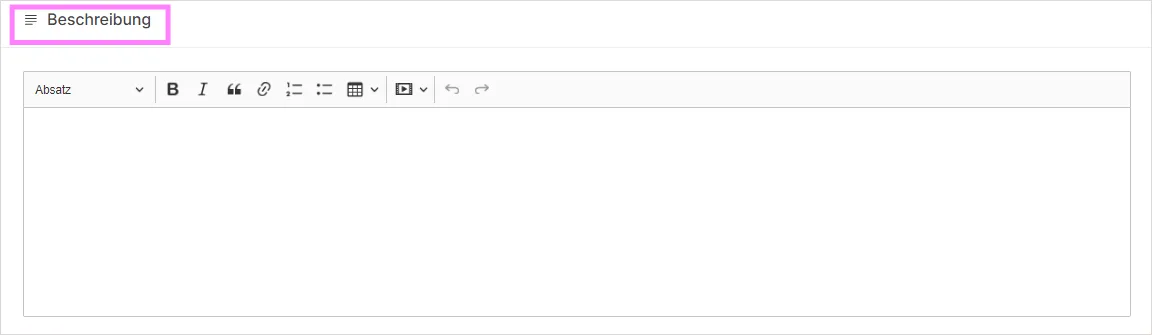
Bullet Points
Below the description, the Bullet Points section lets you add short highlight points for the product (up to five, each kept brief) that can be used to summarize key selling points at a glance.
Tags
The Tags section lets you attach one or more tags to a product for your own organization and filtering. If you type a tag that doesn't exist yet, it's created automatically and added to your tag list.
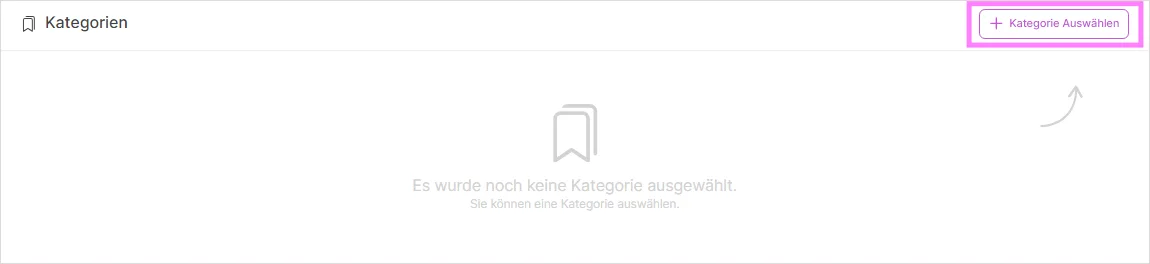
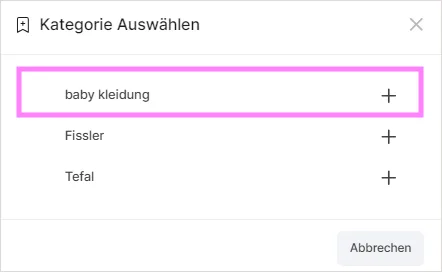
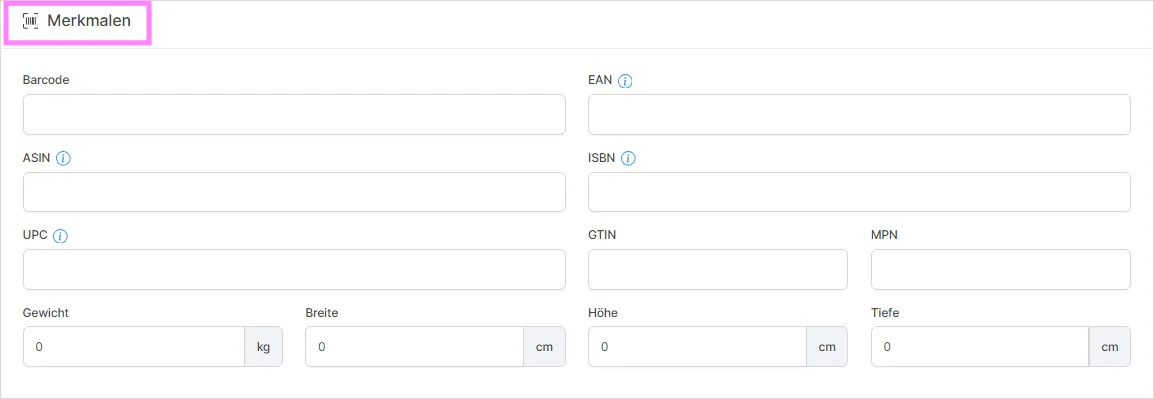
Besides Barcode, EAN, ASIN, ISBN, UPC and GTIN, this section also includes MPN and HS code fields. If a value you enter for Barcode, EAN, ASIN, ISBN, UPC or GTIN is already used by another product, a warning is shown so you can catch duplicate entries early.
Listing Price
Once a product exists and market-based price control is enabled for one of your connected marketplaces, a Listing Price section becomes available where you can set that marketplace's price independently, either as a fixed amount or as a percentage adjustment on top of the product's base price.
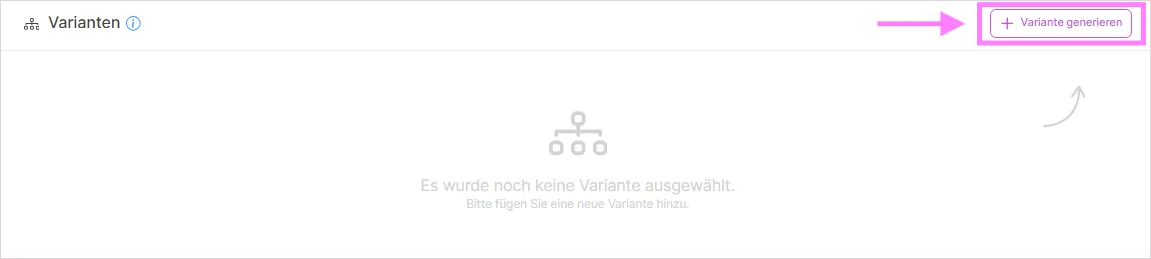
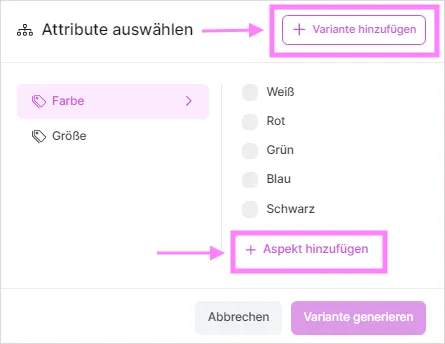
In this section, you can add variants to your product that are available by default or that you previously created under Settings > Product > Variant Settings by clicking the "Create variant" button. If you have a generated variant and want to add a single variant, you can add it to your product by clicking the "Add single variant" button.
Product Sets
Instead of variants, a product can also be created as a Product Set, bundling several existing products together. Each component you add to the set gets its own quantity, while price, tax and weight information from the underlying products carry over automatically.
Product Keys
For digital products, two additional sections appear. Product Keys lets you add license keys either by importing a CSV file or by entering them one at a time, and each sold unit automatically consumes one key.
Product Email Template
The Product Email Template section lets you write a custom rich-text message that is sent along with the product's keys, and you can attach a PDF guide of up to 5 MB to include with it.
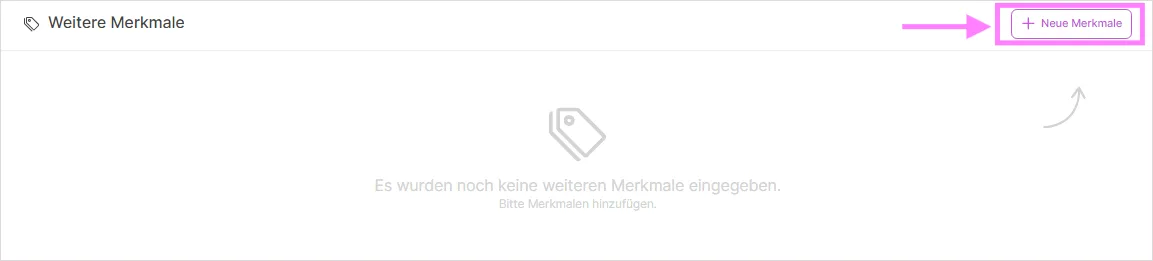
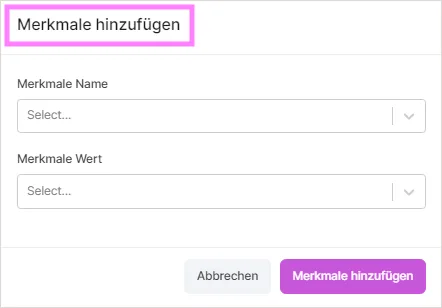
You can add up to 60 features to a product. This limit is on the number of features, not on the length of their values.
Was this article helpful?
Thanks for your feedback!