
 Deutsch
 English
 Türkçe
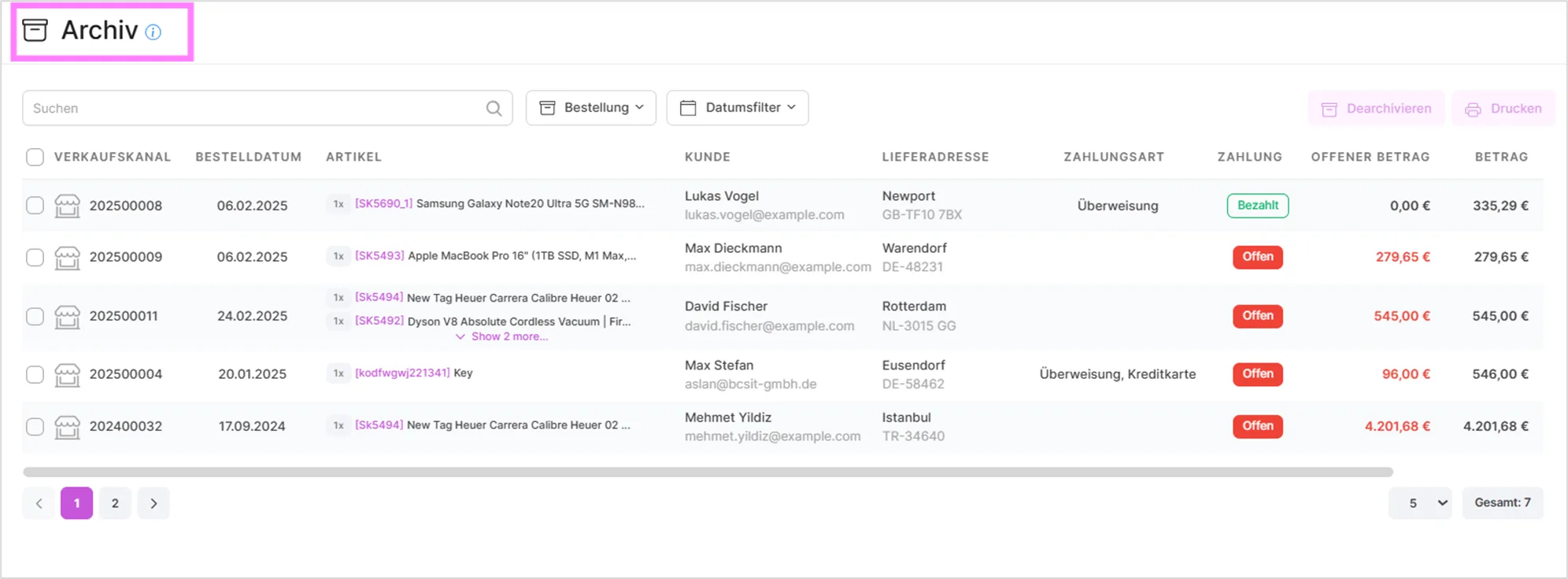
On this page you will find information about your completed transactions going back '3' months.
For each entry, the table shows the sales channel, order date, creation date, items, customer, delivery address, payment method, payment status, open amount, amount, and label.
You can search by ID and name using the search bar at the bottom, and you can also filter by order and quote in the selection area on the right. Additional filters let you narrow the list down by market, country, and a date range.
Using Actions, you can print the respective transaction. You can also select multiple entries and print them together in one go.
If a transaction no longer belongs in the archive, use 'Restore' to move it back out. This is available for a single entry as well as for a bulk selection, so you can restore several transactions at once.
Video Tutorials
Removing Orders from the Screen
Was this article helpful?
Thanks for your feedback!